
Job hand-in / Quick answer
How to Finish a Job in Low-Budget Repairs
Complete, end and hand in Low-Budget Repairs jobs by clearing the objective list and using the correct phone or NPC interaction.
The short version
Clear every remaining line in Work Plans, then use the job's hand-in. For a normal apartment, look for the wall phone near the exit and interact with it. Story missions can end through a character or another scripted interaction, so follow the active objective when there is no phone.
Last verified:
The 60-second exit checklist
- Open Work Plans and expand every room or objective group.
- Resolve any remaining count, percentage, color, material or installation line.
- Walk toward the entrance and check for a wall phone near the door.
- If no phone is available, follow the active character marker or scripted instruction.
- Wait for the completion confirmation before leaving or loading another save.
Normal apartment hand-in
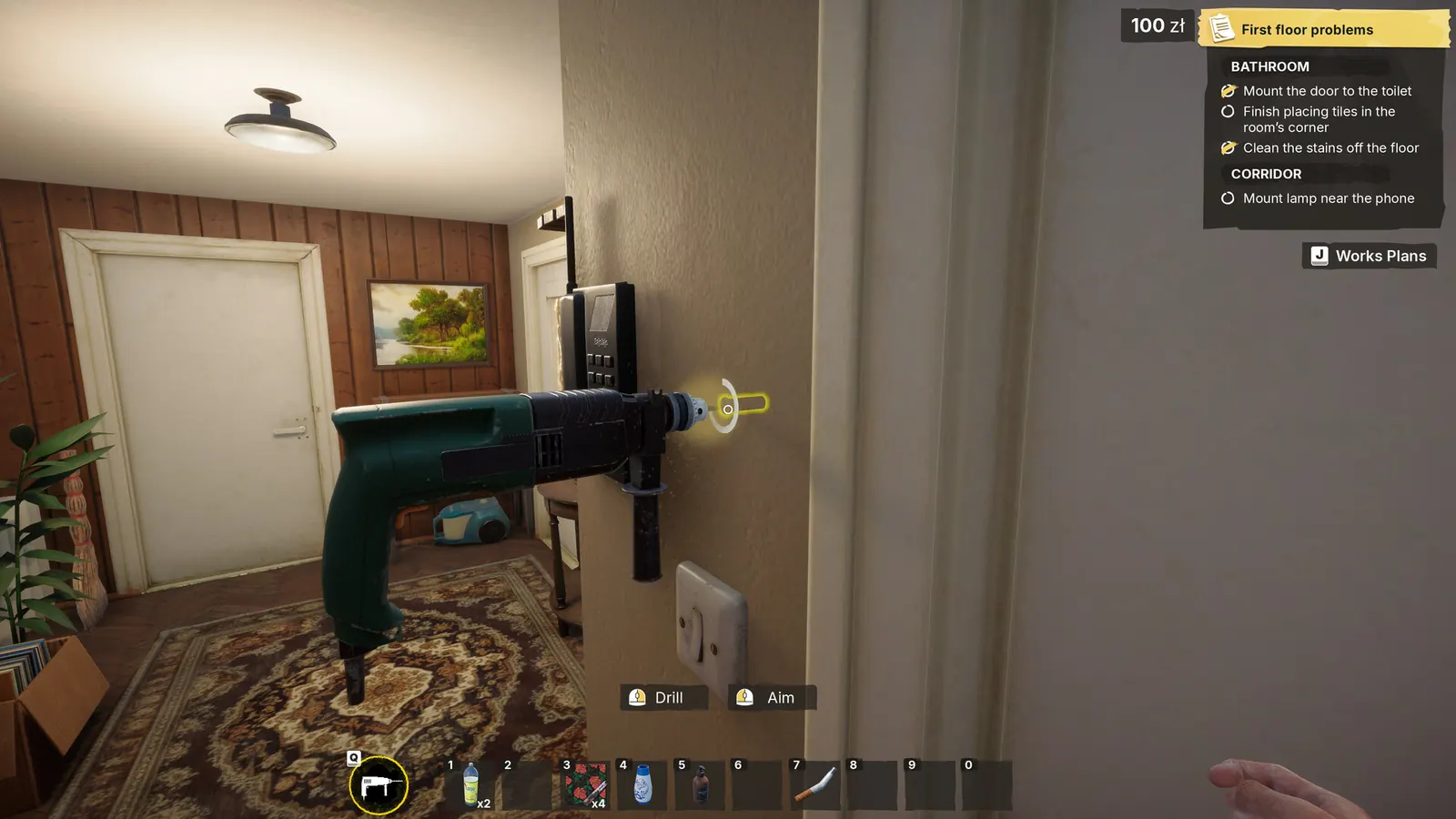
A developer response in the Steam discussion identifies the client's wall phone as the way to complete a normal apartment job. That interaction is separate from painting, cleaning and installation, so an apartment can look done while the contract is still listed as in progress.
- Confirm the task list is clear
- Return to the apartment exit
- Find the phone mounted on the wall
- Use its interaction prompt to finish and leave
When there is no phone
Some story jobs end through dialogue or another scripted interaction. Follow the active objective or character marker instead of searching every wall for a phone. If dialogue is currently running, allow the sequence to finish before testing the exit again.
Match the objective exactly
Completion checks can be more specific than the room's appearance. Reopen Work Plans and compare the requested room, surface, material, color and object. Inspect narrow strips, furniture legs, undersides and cable connections, then check whether the listed count or percentage changes after one correction.
- Correct item, but wrong room
- Correct material, but wrong color
- Installed object, but an attachment step remains
- Visible surface complete, but a small edge is missed
- All work complete, but hand-in not used
Missed hand-in or progression bug?
A contract that remains in progress is not by itself evidence of a bug. First rule out a hidden Work Plans line and the phone or character hand-in. A stronger bug signal is one specific objective that remains unchanged after the correct action, the current update and a safe reload.
Use the shortest safe recovery order
- Create a new manual save if saving is available.
- Return to the objective area and perform one exact requested action.
- Check whether Work Plans changes before dismantling anything else.
- Reload the preserved save once and retry the final interaction.
- Compare the symptom with the current Known Issues entries.
What to preserve for a useful report
- Job name and exact objective text
- Game version after Steam finishes updating
- Screenshot of Work Plans and the completed object or surface
- Whether the wall phone or character prompt appears
- Whether the same state returns after loading the preserved save
Update 4 and objectives becoming unchecked again
The developer says many completed-objective resets were eliminated, including painting and plastering after a load. If the exact checkbox still reopens, preserve a pre-hand-in save and report it as a new case.
Source log
Where this answer comes from
- A player question and accepted community explanation of the wall-phone hand-in step. Treat job-specific exceptions separately.
- Official launch-day changelog covering softlocks, job text and localization fixes.
- Current player reports. A discussion title or workaround is not treated as developer confirmation.
- official sourceOfficial Update 4 — August 27 changelogOfficial Update 4 notes covering save and objective-state improvements, hanging-object placement, mission changes, crash and progression fixes, collectibles, tiles, optimization and localization. The announcement does not publish a numeric version.
Found a stronger source or an outdated fact? Send Andrew a correction.