Unpacking / Placement help
How to Open Boxes in Low-Budget Repairs
Unpack boxes, place the ghost outline and work around the launch-build carpet issue when a boxed object will not open in Low-Budget Repairs.
The short version
Use the tool requested by the live prompt, interact with the box to create its placement ghost, remain close to the package and move the ghost to a valid surface. Hold the displayed action only after the outline turns green. For the developer-reported glass-pane case, try ordinary floor instead of carpet.
Last verified:
Before opening the package
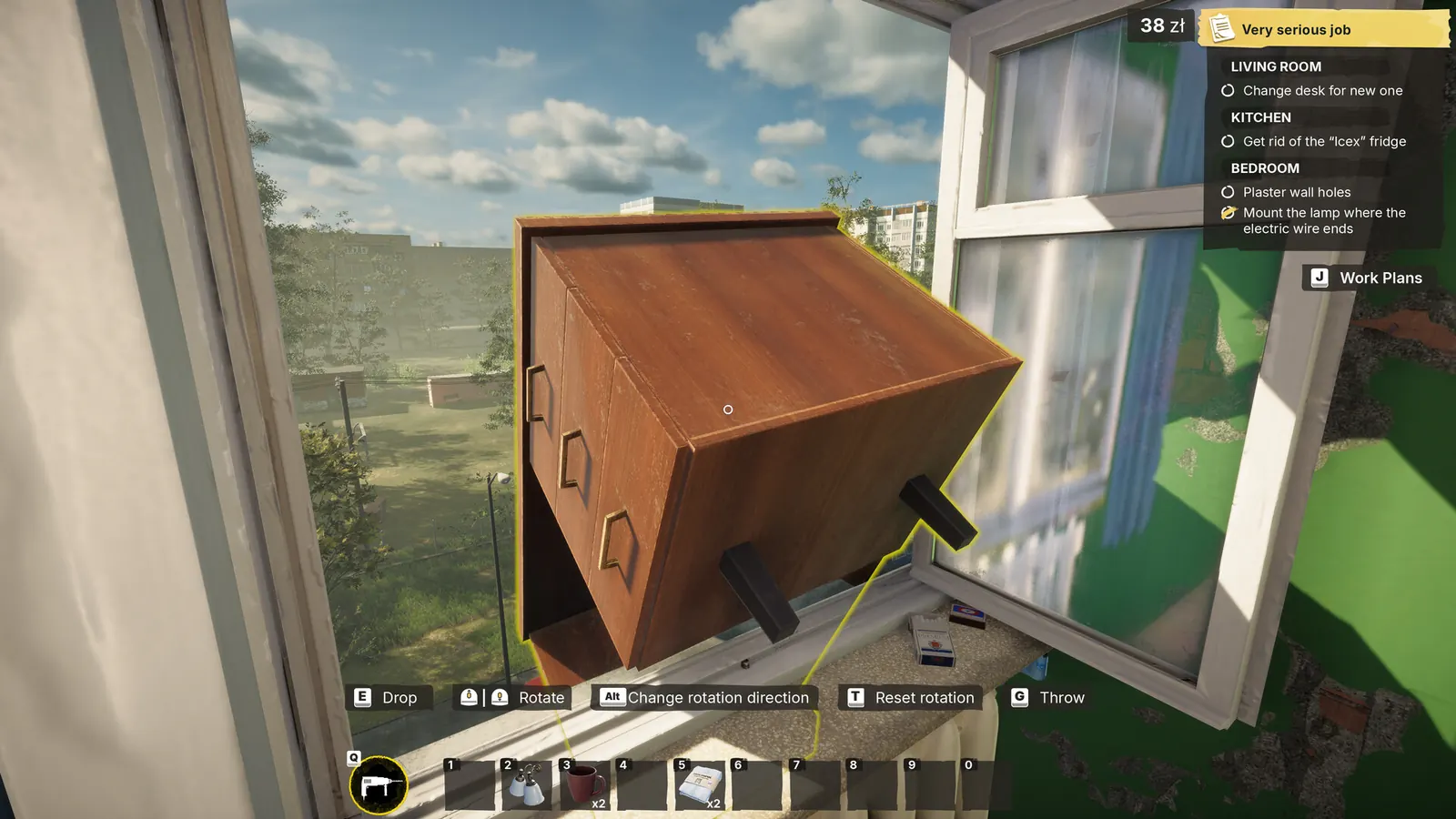
Read the objective and the prompt on the box before changing tools. A package may need a particular tool and enough clear space to create the object preview. Move small clutter only when it is safe to do so, and keep a manual save before experimenting with a mission-critical object.
Unpack a boxed object
- Equip the tool named by the current prompt; the discussed glass-pane package uses a screwdriver.
- Stand beside the box and interact to create the placement ghost.
- Stay close enough to the package for placement mode to remain active.
- Aim the ghost at a clear, compatible surface and adjust its position.
- Wait for the outline to turn green, then hold the displayed placement action.
- Check Work Plans to confirm the unpacking or installation step registered.
Read the placement ghost
Green means the current position is accepted. Red usually means the object is colliding with something, outside its permitted area or on a surface the current placement does not accept. It does not necessarily mean the package itself is broken.
- Back away from walls or existing furniture
- Try the center of a clear floor area
- Rotate or realign the preview when the prompt offers it
- Remain within range of the original box
- Remove only obvious movable clutter
Distance, collision and surface checks
Change one variable at a time. First remain close to the box, then aim at open floor, then adjust the angle or nearby clutter. This makes it easier to tell whether the problem is range, collision or a surface restriction instead of repeatedly starting the whole interaction.
Glass pane will not unpack on carpet
A developer identified a launch-build issue in which a glass pane could not be unpacked on carpet. For that reported case, stand close to the box and point the placement ghost at ordinary floor. This workaround comes from one Steam discussion and should not be treated as a universal rule for every boxed object.
Retry in this order
- Cancel placement without discarding the package.
- Re-equip the exact tool requested by the box.
- Clear a small patch of ordinary floor near the package.
- Create the ghost again and wait for a green outline.
- Reload a preserved save once if the ghost never appears.
- Stop repeating the job and document the state if the same failure returns.
Evidence that helps a report
- Job and objective name
- Object printed or pictured on the box
- Tool equipped when interacting
- Whether a ghost appears and what color it shows
- Surface under the ghost, such as carpet or bare floor
- Screenshot of the prompt when it fails
Source log
Where this answer comes from
- A developer explains the placement ghost, distance limit and the launch-build carpet placement issue.
- Current player reports. A discussion title or workaround is not treated as developer confirmation.
Found a stronger source or an outdated fact? Send Andrew a correction.