Materials / Backpack / Placement
Low-Budget Repairs Materials & Inventory
Use paint, plaster, tile glue, boxes, backpack slots and job-supplied materials without losing mission items in Low-Budget Repairs.
The short version
Match the exact material and color in Work Plans, check mission shelves and boxes before buying, and store only items that show a valid backpack prompt. Keep a new manual save before moving mission-critical stock or testing a load-related workaround.
Last verified:
Inventory and placement after Update 6
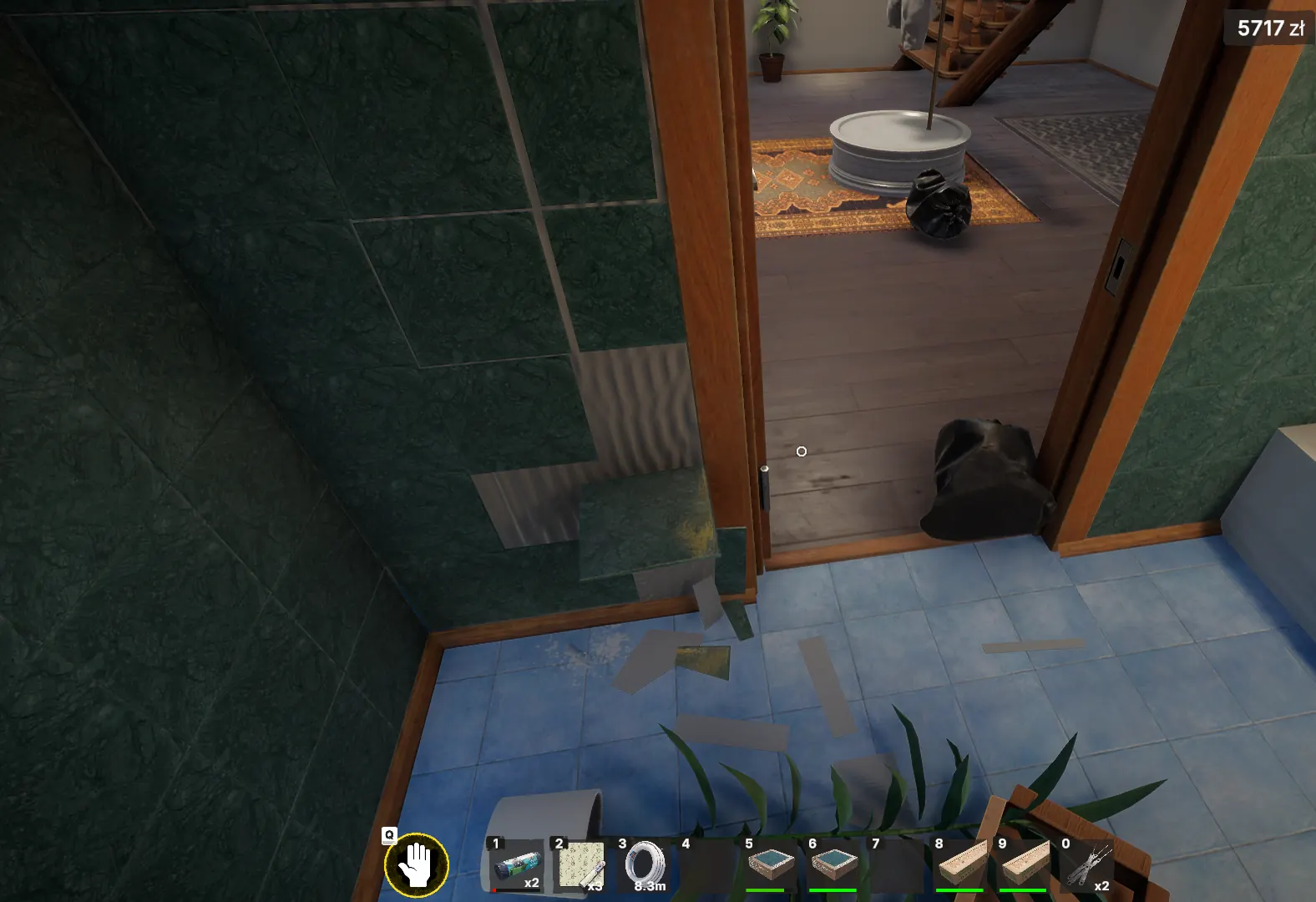
The official patch fixes the emptied trunk after loading and items taken from inventory near a wall appearing behind it. It also fixes disappearing wood paneling while placing it and some reset installed objects. Retest the specific item after updating; keep older save evidence if it remains missing.
Read the material line first
- Open Work Plans and note room, surface, material and color.
- Search the work shelf, boxes, vehicle and immediate room for supplied stock.
- Compare the label before opening or mixing anything.
- Buy only the shortage.
- Test one unit and check that the objective counter moves.
Pick up, store and select items
Interactions are context-sensitive. Pick up the object, then use the displayed store action only when the item is eligible. Select stored items from the numbered hotbar or relevant tool/material menu. A paint can that has no store prompt may need to be carried, placed or used at the job instead.
Paint and color mistakes
- Read the exact color name, not just the swatch
- Use the requested surface and assembled object
- Finish edges and small faces before assuming the counter is stuck
- Keep the correct can nearby until the objective registers
- Do not discard a mission-supplied can merely because a shop can looks similar
Tiles, adhesive and partial walls
- Prepare the requested wall or floor.
- Use the matching adhesive or tile glue.
- Keep compatible tile boxes in reach.
- Place from a clear edge and watch the green acceptance state.
- Check narrow strips around doors and corners.
- Stop and preserve the save if placed tiles vanish after loading.
Inventory changed after loading
Discord reports include furniture-box contents, purchased items and carried stock changing after a reload. These are community reports. Capture the truck, hotbar and objective before loading, keep the original slot, and compare one autosave before repeating the job.
Evidence for a useful material report
- Job and exact objective
- Material and color label
- Where the item came from
- Hotbar or truck state before and after loading
- Whether one test unit advanced the objective
- Screenshot of the remaining surface
Report: empty trunk after Robbery
One recent player report describes trunk materials disappearing after this mission. An older official update addressed trunk problems, but that is not enough to label this new case a confirmed regression.
- Make a separate slot before the mission and note important materials.
- Check the trunk after returning, before the next save.
- If contents are missing, preserve both slots and Player.log.
Dark, uneven paint or tape edges at home
Recent threads describe ceilings or walls that look dirty, shadowed or unevenly painted. There is no verified fix; this guide does not assume plaster or additional coats always help.
- Check whether the surface is an objective or only a visual issue.
- Capture it before and after one ordinary location transition.
- Record the surface, paint, tool and masking-tape state.
Switches and breakable objects after Update 4
The official patch fixes switches duplicating in the trunk. One August 28 post describes a similar state after the patch, while an August 29 post reports ceramics breaking unexpectedly at home. Both remain single reports.
- Keep a save from before moving or saving the object.
- Test one object without making bulk changes.
- Record its name, location and trunk state.
Source log
Where this answer comes from
- official sourceSteam — Low-Budget RepairsOfficial Steam listing for the current Windows release and developer details.
- developer sourceDeveloper update — August 14Official August 14 post-launch update describing fixes and work still in progress.
- community sourceSteam Community — DiscussionsCurrent player questions and reports; a post is not treated as developer confirmation.
- community sourceOfficial Low-Budget Repairs DiscordCommunity screenshots and troubleshooting messages from the official Discord, reviewed editorially on August 16.
- community sourceSteam Bug Reports — trunk materials missing after RobberySingle recent report of materials disappearing from the trunk after the Robbery mission.
- community sourceSteam Discussions — uneven home paint and masking tapeRecent community report of uneven-looking paint or persistent masking-tape edges at the player's home.
- Single August 28 report of duplicated switches after the update; keep separate from the official historical trunk-duplication fix.
- community sourceSteam Discussions — home ceramics and trinkets breakingSingle August 29 report that ceramics and trinkets at home can break unexpectedly.
- official sourceOfficial Update 4 — August 27 changelogOfficial Update 4 notes covering save and objective-state improvements, hanging-object placement, mission changes, crash and progression fixes, collectibles, tiles, optimization and localization. The announcement does not publish a numeric version.
- official sourceSteam — Update 6September 21 save, mission, interaction and language changes.
Found a stronger source or an outdated fact? Send Andrew a correction.